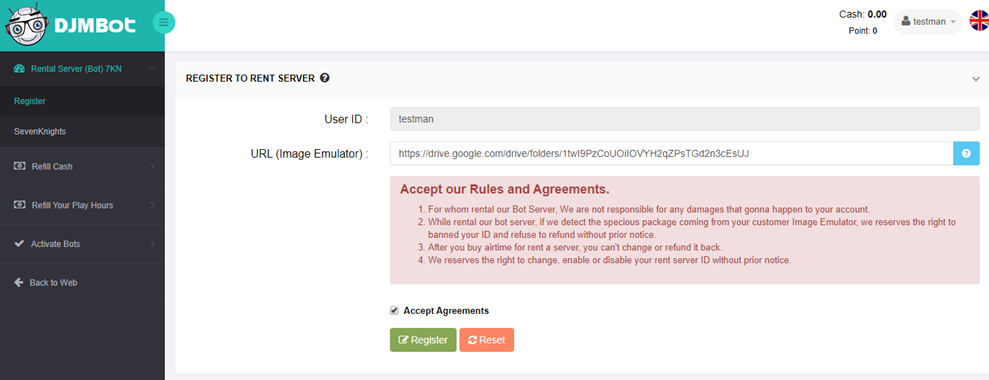
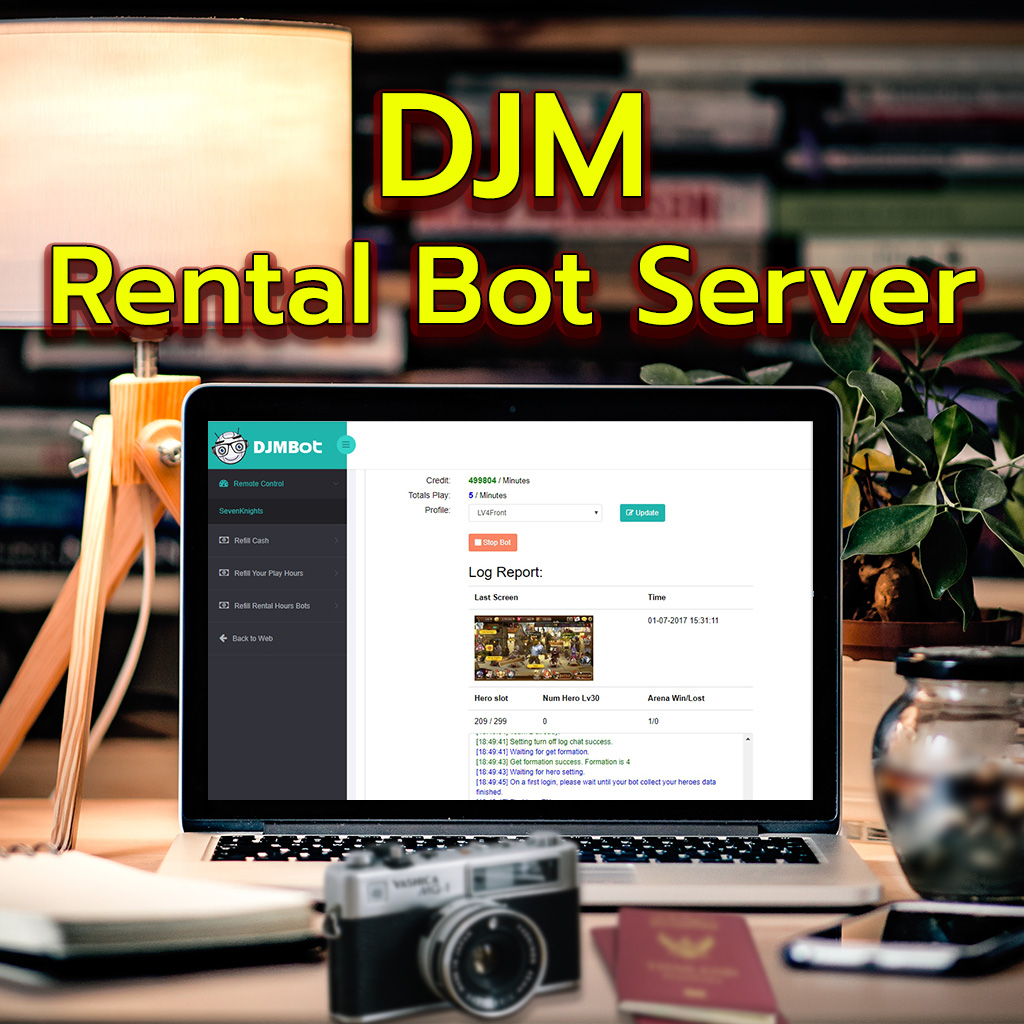
For whom rental our Bot Server, We are not responsible for any damages that gonna happen to your account.
While rental our bot server, if we detect the specious package coming from your customer Image Emulator, we reserves the right to banned your ID and refuse to refund without prior notice.
After you buy airtime for rent a server, you can't change or refund it back.
We reserves the right to change, enable or disable your rent server ID without prior notice.
How to Register.
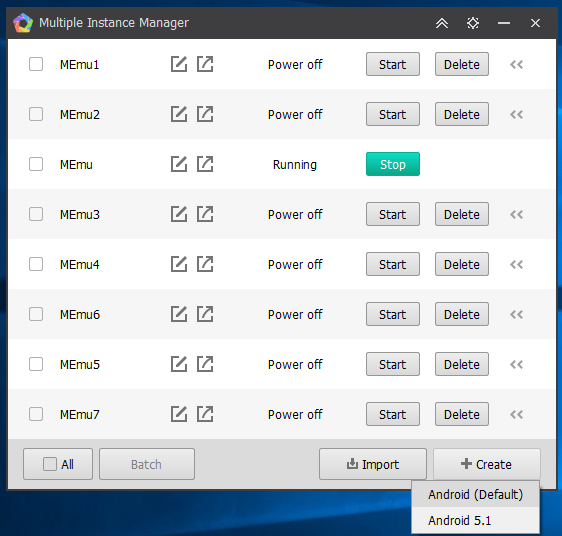
1. Goto Emulator MEmu 3.1.2.5 (You can download in www.djmbot.com) and create instance that you want to rental server.
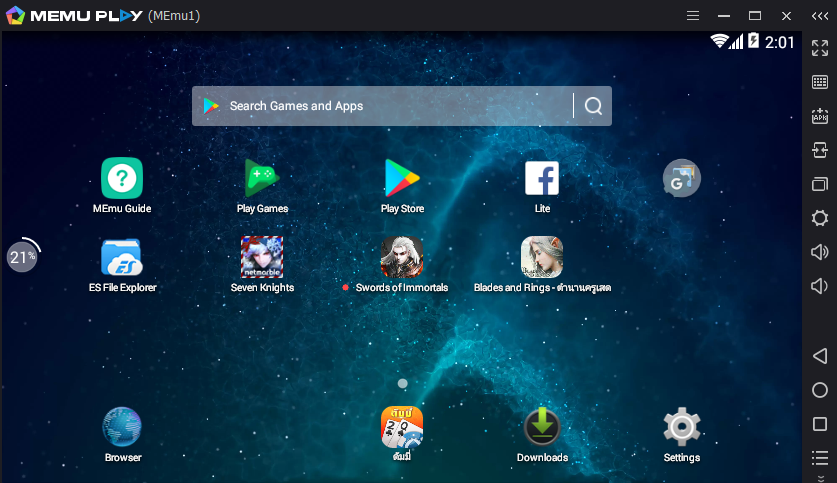
2. Install your games to complete and login your account in games.
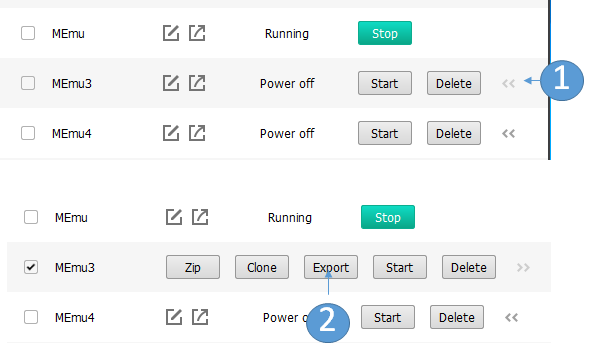
3. Choose export your emulator that install your games follows as step 1 and 2.
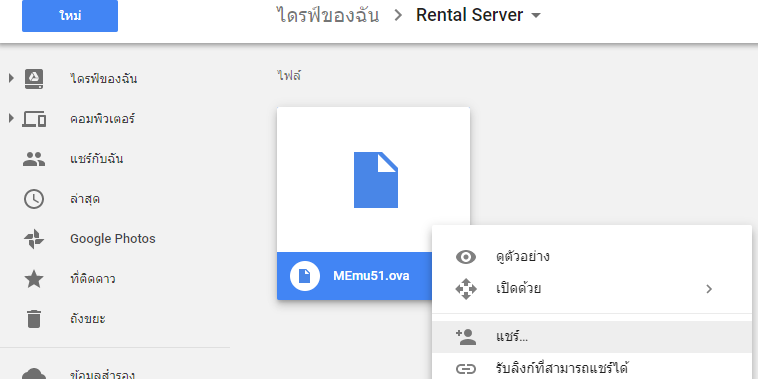
4. Upload your file .ova that cloud storage such as Google Drive or One Drive.
4.1 While share we recommend that you add djmbotsys@gmail.com only.
5. Goto https://www.djmbot.com/RemoteControl/RegisterServer and then input your link share emulator and accept agreement and click Register button
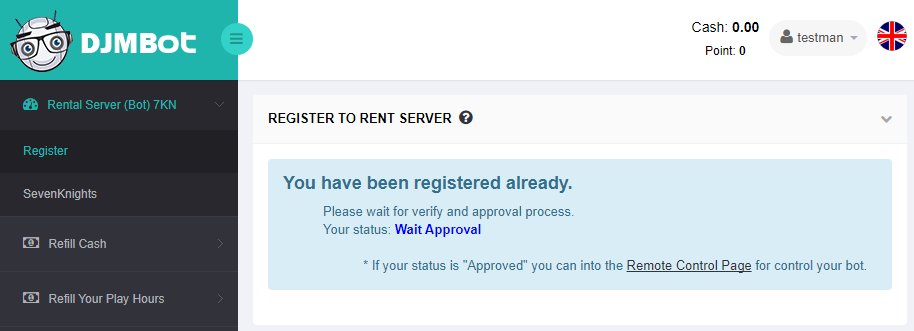
6. Wait for staff approve your request and the verify will be complete by 2 days at the latest. If you get not approved you can contact to www.facebook.com/DJMBot for detail.
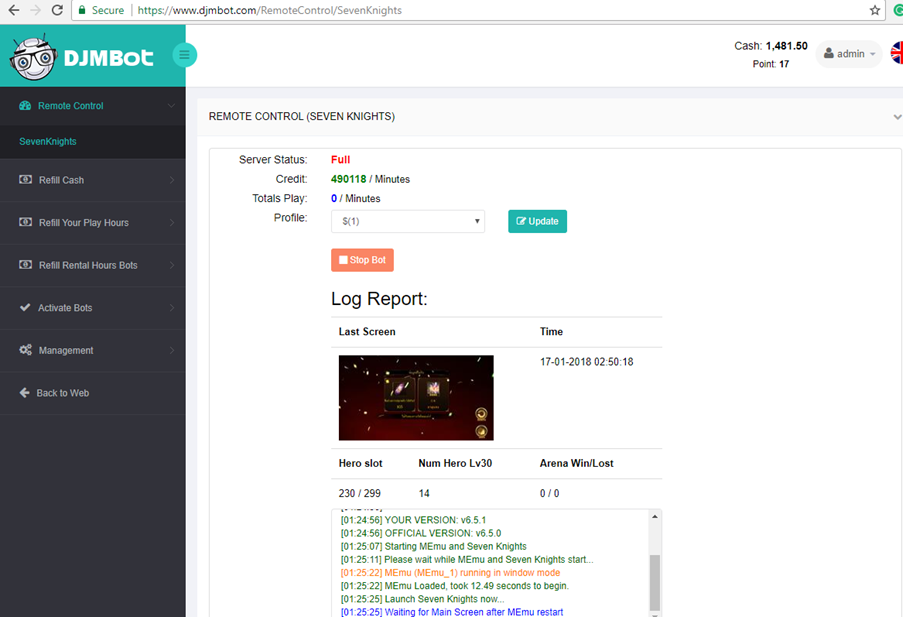
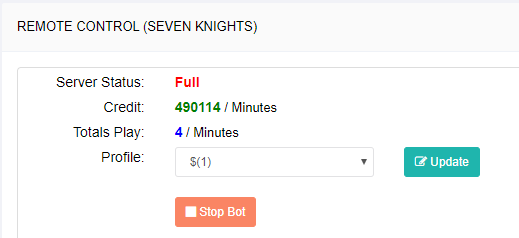
7. When you have been approved you will able open the Remote Control SevenKnights Page.
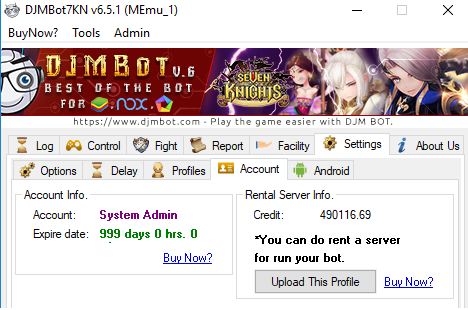
8. You can upload your profile bot that DJMBot7KN (Version 6.5.1 up) at Tab Settings > Account
9. After upload, your profile go to https://www.djmbot.com/RemoteControl/SevenKnights and click Update Button for loading your profile and then you can start bot.
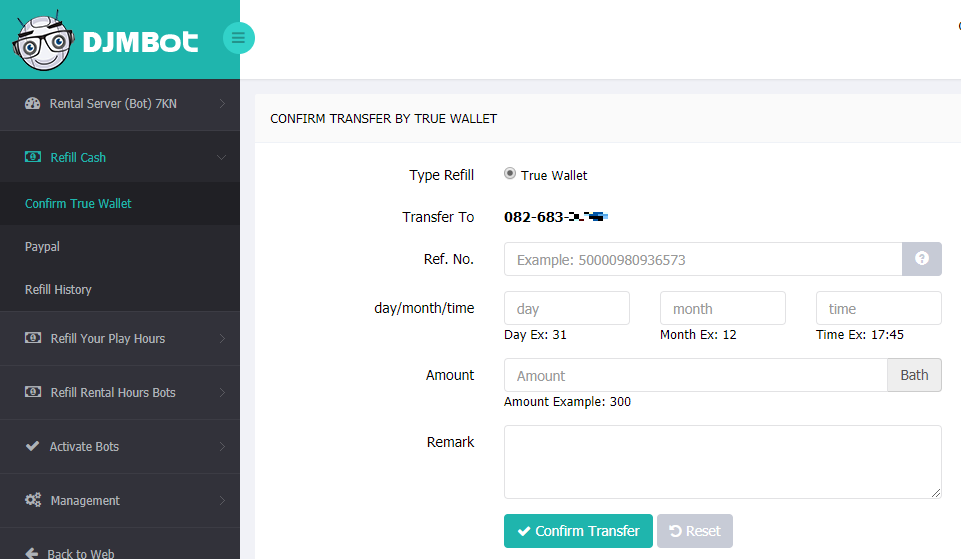
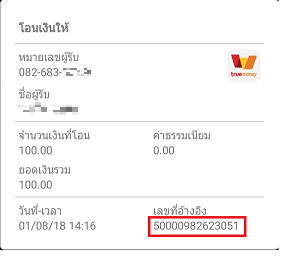
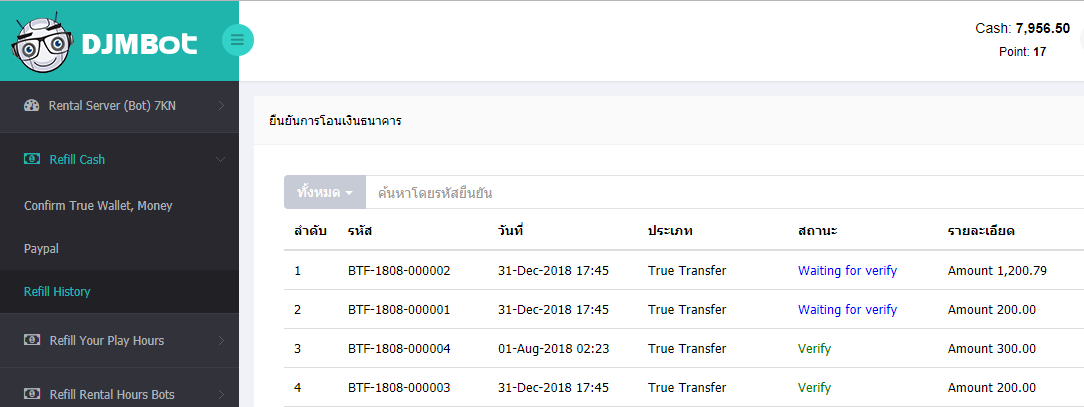
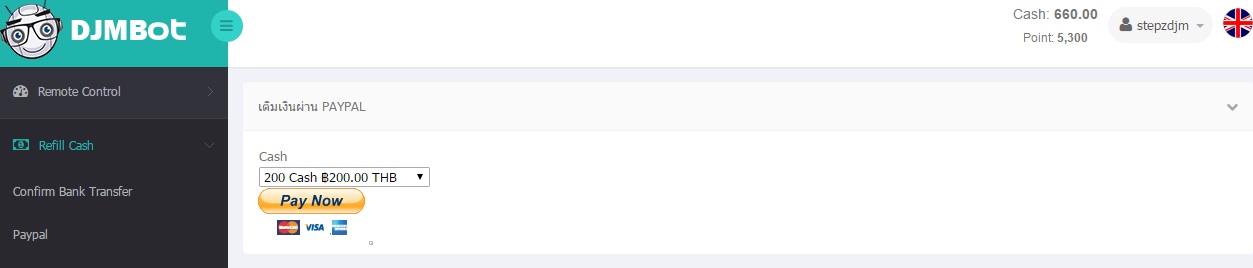
9.1 You can refil credit at https://www.djmbot.com/RentalHour/SevenKnights
9.2 The system will begin to charge your credit point when bot into the main screen in games.